In-Cabin Keypoints: Visibility and Export Acceptance
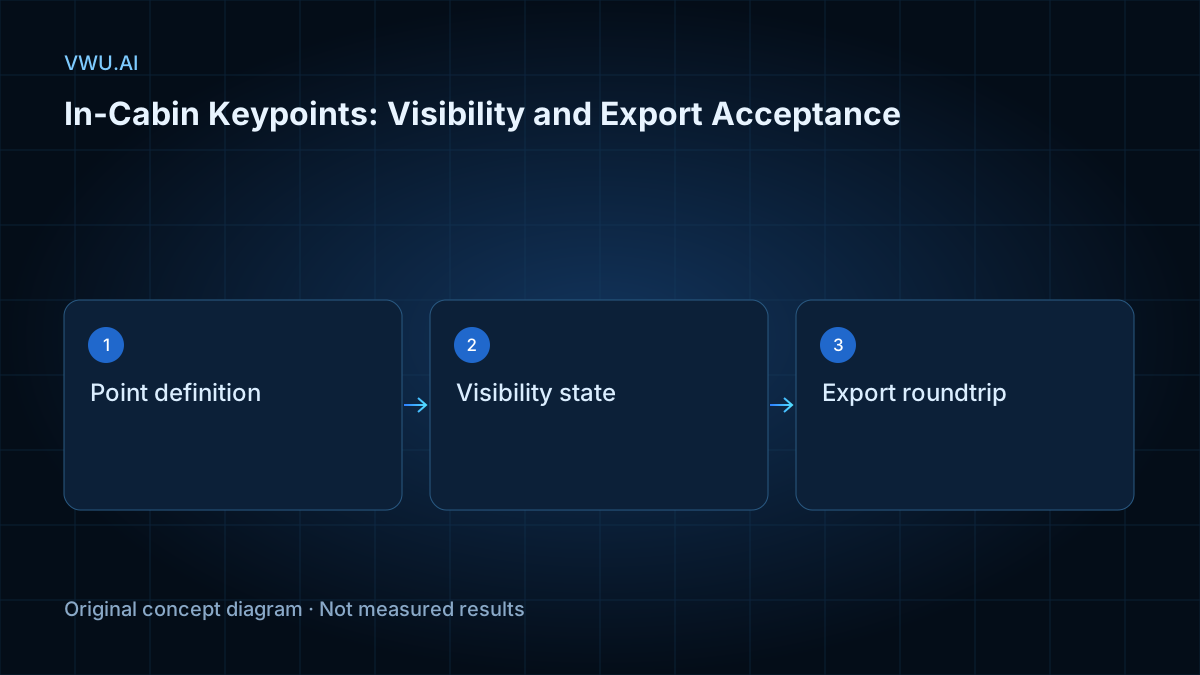
Accept an in-cabin keypoint dataset only after checking that joint names, coordinates, visibility states and person associations survive the delivery format. A skeleton that looks correct in an annotation editor can still reach a training pipeline with a missing joint, an ambiguous state or a different point order.
This guide proposes an acceptance workflow for data buyers and model teams. It is a procurement recommendation, not a report of a completed VWU.AI project or a guarantee about any annotation tool. Start by defining the intended task in your driver and occupant monitoring data specification.
Key Takeaways - Agree on joint identities, coordinate conventions and state meanings before annotation begins. - Keep an occluded point, a point outside the frame and an editor-hidden point conceptually separate. - Verify the exported file and an independent reimport, not just the editor view. - Document unsupported fields, uncertain locations and tracking limitations instead of silently replacing them.
Define the skeleton and its coordinate contract
A delivery specification should identify every joint by a stable label and define how the training system maps that label to its input position. Record whether left and right refer to the person or to the image. List the coordinate unit, image dimensions, origin and any crop or resize applied before annotation.
For example, a crop changes the coordinate reference even when a point keeps the same numeric values. Ask for the transform or a clear statement that coordinates already refer to the delivered image. An acceptance check should compare points against the actual delivered frames, not a higher-resolution source that the buyer never receives.
Separate the person association from the occupant role. A track identifier answers which observations belong together; a role such as driver or rear passenger describes a project-specific function. Specify how role changes and seat changes are represented. Do not treat a role label as a substitute for a stable association across frames.
Agree on visibility states before creating labels
CVAT describes skeleton points as individual elements with their own properties. Its documentation distinguishes Outside, for an object part outside the frame, from Occluded, usually an in-frame part hidden behind another object. Hidden is an editor convenience and is not saved between sessions. These are tool-specific distinctions, not a universal encoding for every dataset. CVAT: annotation with skeletons.
Use a review table to connect your project rules to those capabilities:
| Situation | Decision to specify | Acceptance evidence |
|---|---|---|
| Joint is directly observable | Where the point should be placed | Reviewer can locate the named joint in the delivered frame |
| Joint is behind a steering wheel or another occupant | Whether estimation is allowed and how uncertainty is retained | Occlusion status and estimation policy remain distinguishable |
| Joint is outside the image | Whether coordinates are omitted, retained or excluded from training | Export follows the agreed rule without implying visibility |
| Joint cannot be located confidently | How the annotator records uncertainty | Uncertain cases remain available for adjudication |
| Point is hidden only in the editor | Which display controls do not change labels | Saved annotations do not depend on the reviewer’s display setting |
Never assume that a zero coordinate means “unlabeled.” It may be a valid boundary coordinate under the chosen convention. Define missingness explicitly in the delivery contract.
Build a small conversion fixture
Before accepting a production batch, create a deliberately selected set of frames that exercises the specification: a visible arm, a hand behind the wheel, a joint outside the camera view, overlapping occupants and an uncertain location. The fixture tests the conversion rules; it is not a statistical estimate of overall dataset quality.
For each case, keep the original frame identifier, skeleton label definitions, expected person association and expected point states. Include a point near a crop boundary so that a change in coordinate reference becomes apparent. Keep an independent reviewer’s explanation of each expected result.
Export, parse and reimport into a clean workspace
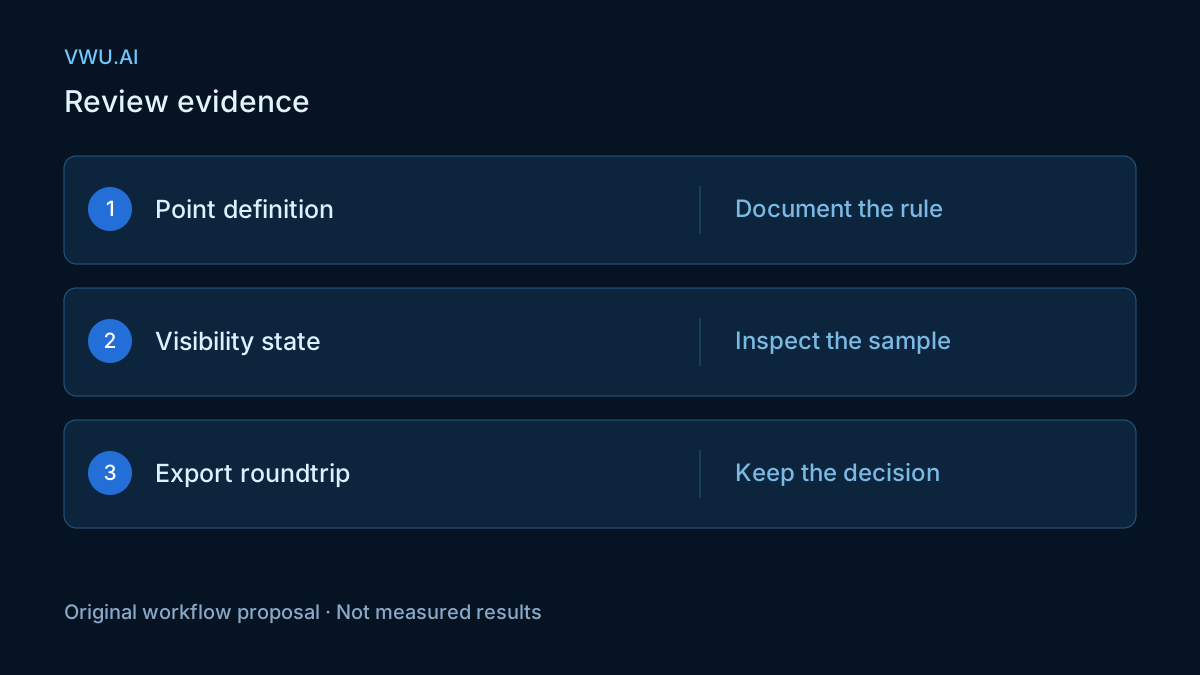
Check the actual export against the receiving system’s documented format. CVAT’s native format documents named point elements with coordinates and occluded and outside fields. That field structure is useful evidence when verifying a native export, but it does not establish what a separate converter preserves. CVAT: native annotation format.
Run a parser check before opening the export in another editor. Validate that image references resolve, point labels map to the expected joints, numeric coordinates use the declared unit and each point retains its intended person association. Compare by the agreed semantic mapping rather than assuming that array positions have identical meanings everywhere.
Then import the fixture into a separate project with the required label definitions. Review it against the saved reference frames and the source annotations. A clean workspace helps reveal a conversion that only appears correct because the original project supplied missing context.
CVAT also documents COCO Keypoints as an export format for pose data. Select the receiving format because the model pipeline supports its semantics, not because a familiar filename suggests that every native property will survive. CVAT: COCO Keypoints.
Record discrepancies and decide acceptance
Keep a discrepancy ledger that someone outside the conversion process can review. The following is an illustrative review record, not a CVAT or COCO schema and not a measured sample:
{
  "frame_ref": "fixture-frame-a",
  "person_ref": "occupant-a",
  "joint_label": "left_wrist",
  "expected_state": "occluded",
  "exported_state": "unspecified",
  "review_action": "return_for_mapping_review"
}
Agree on blocking defects before evaluating a delivery. A wrong person association, a swapped joint definition or an undocumented coordinate transform can invalidate a sample’s intended use. Record state losses, dropped points and unresolved location disagreements separately. If reporting rates, include the number of reviewed points or person-frame instances and break results down by state; a single aggregate can hide failures concentrated in occluded cases.
Do not invent a universal pixel tolerance. Choose tolerances and sampling coverage for the model task, image scale and annotation policy, and retain the acceptance rationale. Use the video annotation quality checklist to connect these spatial checks with delivery-wide review.
Preserve the limits of frame-based exports
A successful point comparison on selected frames does not prove that track identity, interpolation or behavior boundaries survive an entire video conversion. If the training task uses tracks, test those properties separately and document how intermediate frames are handled. For action intervals, apply a distinct temporal annotation boundary review.
Deliver the agreed specification, fixture, converter version, mapping table, review decisions and unresolved cases alongside the annotation files. If a target format cannot represent a required distinction, choose a documented sidecar or another format before acceptance. That decision should be explicit to the people who build the training masks and evaluation sets.
Keypoints describe selected geometric observations and annotation decisions. They do not, by themselves, establish a driver’s attention, fatigue or physiological state. For a custom dataset, provide the required joints, camera views and intended downstream task when discussing in-cabin training-data requirements.