
Multi-Camera In-Cabin Video: Verify Time Synchronization
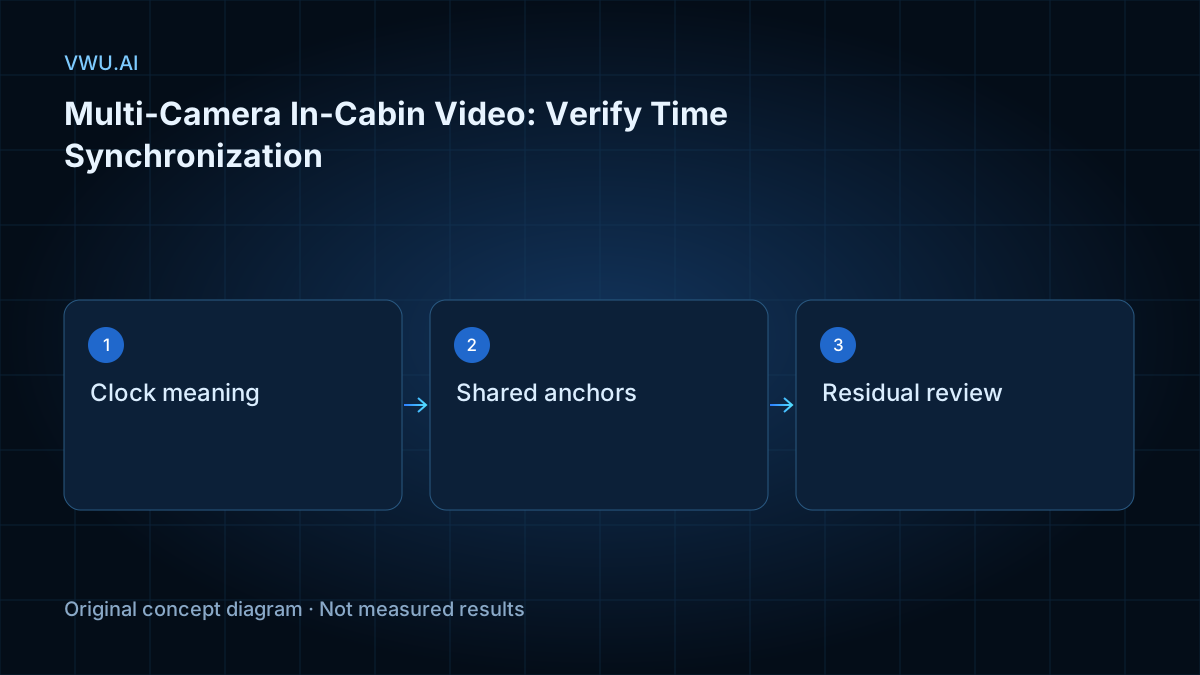
Before combining in-cabin camera views, verify what their timestamps mean and whether the same observable events align throughout the recording. Matching frame rates and clip lengths do not establish that corresponding frames capture the same moment. A driver-facing view and a wider cabin view need a documented time relationship before their labels can support a joint interpretation.
This guide proposes an acceptance workflow for dataset buyers and annotation leads working on driver monitoring systems (DMS) or occupant monitoring systems (OMS). It does not specify a universal timing tolerance or claim hardware synchronization. Start with the driver monitoring data overview when defining the wider data requirement.
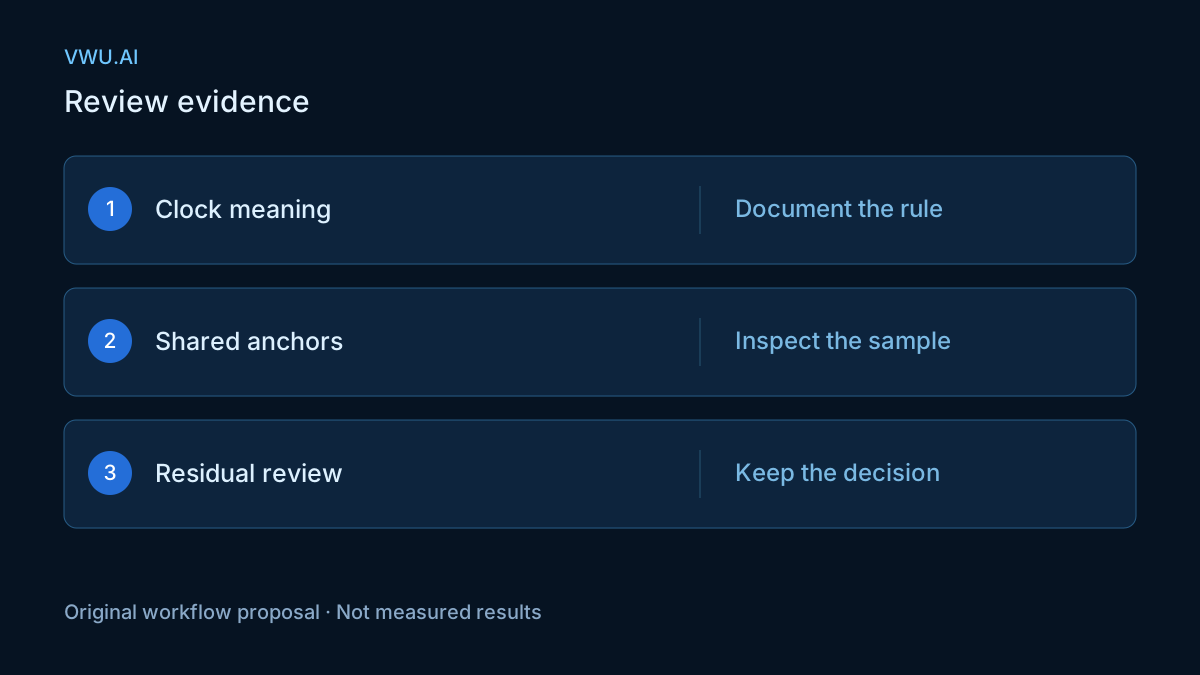
Key Takeaways - Identify each timestamp's clock, units and meaning before comparing views. - Check shared event anchors across the recording, including after gaps or restarts. - Preserve source-to-export mappings and report unresolved timing uncertainty instead of hiding it with resampling.
Establish the timing evidence before alignment
Keep source files and their identities intact. Record a media identifier, file hash, view identifier and processing history for each recording. If the supplier delivers only trimmed or converted clips, request the mapping to the available source and identify which timing evidence no longer exists.
The official FFmpeg ffprobe documentation source describes show_streams for stream information, show_frames for frame information and show_entries for selecting reported fields. These inspection features help document a media file. They do not independently certify when a camera exposed a scene. The documentation was checked on November 1, 2026.
Build an inventory of available timestamps, their units and the software version used to extract them. Distinguish information that came from the capture system from information created during export. If a field is absent or its meaning is undocumented, mark it unknown. A plausible-looking timestamp is insufficient evidence for an exposure-time claim.
Review a short section from each source before accepting an automated alignment. Confirm that the view identifiers are correct, the expected events appear and the recording has not silently restarted or changed its time origin.
Choose a reference clock and state the mapping
Choose the reference view or shared clock explicitly. Keep wall-clock time, camera capture time and media presentation time separate in the data dictionary. A mapping between presentation timelines can be useful even when exposure timing remains unverified, provided the report describes that limitation.
PyAV's Time documentation explains integer timestamps in multiples of a time_base; a frame's pts is its presentation timestamp. Multiplying the timestamp by its time base expresses that presentation time in seconds. This is a unit conversion, not proof of a common camera clock. The cited documentation was checked on November 1, 2026; it is not a claim about the newest library release.
For a proposed offset convention, define offset = time_in_B - time_in_A for the same event. A positive offset means that event has a larger timestamp in B. If the offset is a constant d, convert a B timestamp to A's timeline with time_in_A = time_in_B - d. Write the sign convention beside the mapping so an operator cannot reverse it accidentally.
Document frame indexing too. Frame number alone cannot settle the relationship when clips have different time origins, missing frames or unequal timestamp spacing. Retain the actual frame-to-time mapping used by downstream annotation tools.
Use shared anchors across the recording
Select events that can be identified in both views with comparable uncertainty. A distinct visible state change is more useful than an extended action whose onset is debatable. Record exactly what the annotator used as the anchor, rather than only a pair of numbers.
For this proposed workflow, inspect anchors near the beginning, middle and end, then add checks around interruptions or processing boundaries. This is a coverage suggestion, not a fixed sampling rule. Long recordings, uncertain anchors or changing capture conditions may require more evidence.
An anchor can be visible in both views yet still be ambiguous. One view may hide the first visible contact, or a gradual movement may lack a single agreed instant. Record an uncertainty range or flag the anchor for review. If audio is used as supporting evidence, document its time relationship to each video stream; do not assume a sound track establishes simultaneous visual exposure.
If no reliable shared anchor is available, retain an unresolved alignment status. Visual similarity or a convenient frame count should not replace missing timing evidence.
Separate a fixed offset from changing disagreement
Compare offsets across anchors before choosing a correction. A single shift can address a constant timeline offset, but it cannot exactly align anchors whose offsets differ.
Consider a fictional arithmetic example. At an anchor near the start, B's timestamp minus A's is +0.12 seconds. At another anchor near A's 600-second position, the difference is +0.20 seconds. The observed offset has changed by 0.08 seconds. Subtracting 0.12 seconds from all B timestamps leaves a 0.08-second discrepancy at the later anchor.
These numbers illustrate the calculation; they are not camera measurements or an acceptance threshold. The change alone does not diagnose physical clock drift. Investigate anchor uncertainty, timestamp resets, trimming, resampling and other processing differences before assigning a cause.
A project may propose a linear mapping such as time_reference = a × time_view + b. Estimate and evaluate it using multiple anchors, and inspect the remaining differences after correction. Do not infer both rate and offset from one anchor. Keep additional anchors for checking whether the proposed mapping also explains events outside those used to fit it.
If residual differences jump after a gap or restart, investigate the boundary instead of forcing one smooth correction over the whole recording. Where a piecewise mapping is justified, retain its segment boundaries and reasons. A time transform cannot recover missing visual evidence.
Recheck derived clips after frame-rate conversion
Validate the delivered files, not only the sources. The FFmpeg fps filter documentation source states that the fps filter creates a specified constant frame rate by duplicating or dropping frames. Its start_time option can also pad or trim the start. These behaviors, checked on November 1, 2026, explain why an export's frame count alone cannot demonstrate capture alignment.
Preserve the conversion settings and source-to-output mapping. A repeated output frame is not a new independent observation. Interpolation may create an intermediate image, but it cannot establish what a camera actually recorded at a missing instant.
After conversion, revisit shared anchors in the exported views. Check that the declared mapping still holds, that clip offsets are applied once and that gaps remain identifiable. Include any dropped, repeated or synthesized-frame information available from the processing pipeline. Where exact provenance is unavailable, document the limitation rather than presenting an exact mapping.
Temporal synchronization and action boundaries are separate checks. Aligned views can still disagree about when an action qualifies under the labeling rule. Use the in-cabin temporal annotation guide to define that semantic boundary.
Put the evidence into the acceptance package
Agree on acceptable uncertainty from the intended task and the available capture evidence. A requirement for broad clip association differs from a requirement for precise cross-view event timing. Do not copy a numeric tolerance without explaining what decision it supports.
| Record | Proposed contents | Acceptance purpose |
|---|---|---|
| Source identity | Recording and view identifiers, hashes, media versions | Reproduce the inspected inputs |
| Time meaning | Clock, units, time base, origin and frame indexing | Prevent incompatible timestamp comparisons |
| Shared anchors | Event description, paired times, uncertainty and reviewer | Explain what supports the alignment |
| Correction mapping | Reference timeline, sign convention, parameters and scope | Apply the same transformation consistently |
| Remaining differences | Residuals, unmatched anchors, gaps and restarts | Expose unresolved timing problems |
| Export provenance | Processing settings, frame mapping and version | Verify delivered clips against sources |
Retain a clear decision for each recording or segment: accepted under the agreed rule, rejected with a reason, or held for review. Include the rule version and reviewer, with links to the affected evidence. Keep exclusions visible so a favorable aggregate cannot hide an unusable section.
The video annotation quality checklist covers the wider batch handoff. Add this timing evidence when a project requires multi-view interpretation, and preserve unresolved uncertainty in the final delivery.
Editorial scope and corrections
VWU.AI publishes this technical explainer as a proposed engineering workflow. The diagrams, arithmetic and field choices are illustrative; they do not report customer results, measured synchronization precision or certified product capability. The linked primary documentation may change after its retrieval date. See about VWU.AI for publisher information, or submit a technical correction through the website contact section.